
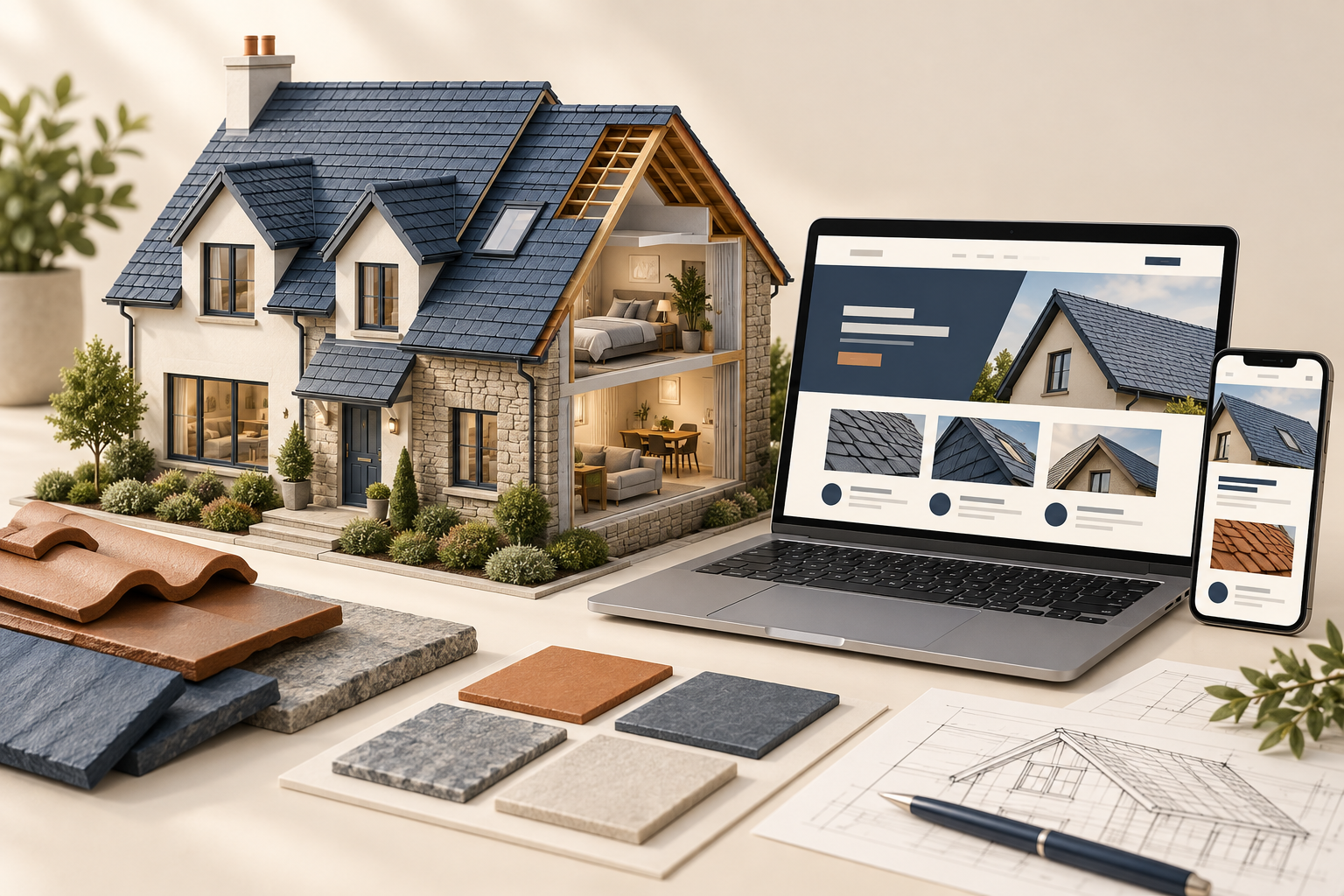
Study three illustrative homepage concepts and learn when each structure makes sense for a roofing business.
Choose a layout around the customer’s question
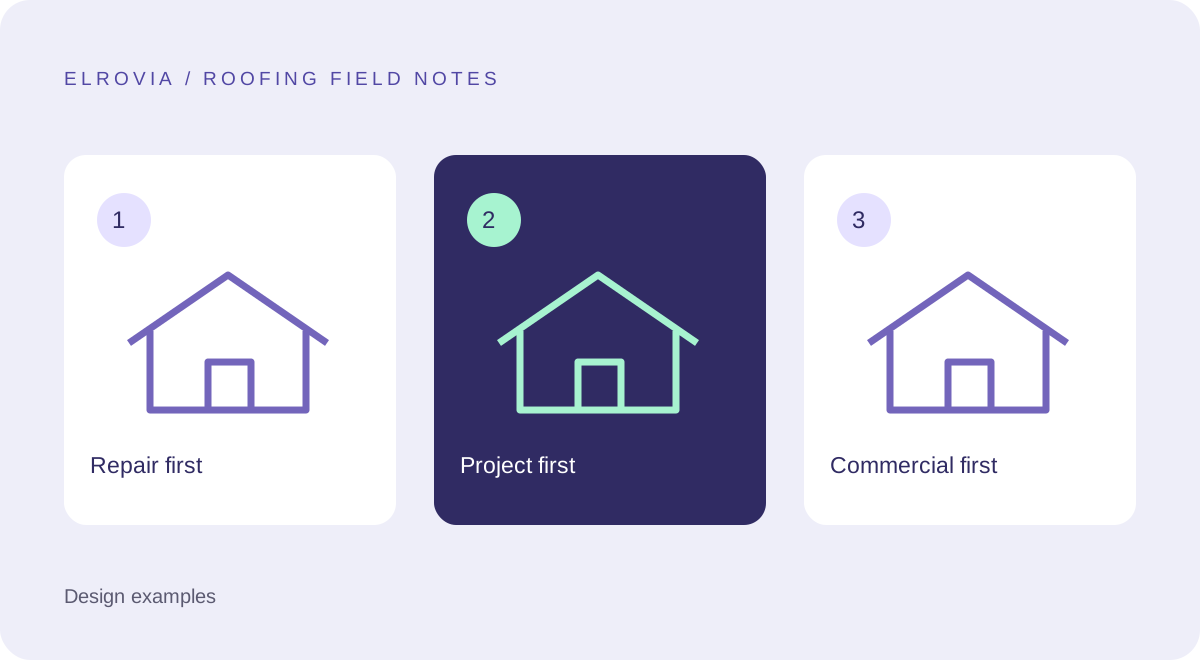
A homeowner dealing with a leak and a facilities manager planning a roof replacement need different information. A useful homepage puts the most relevant answer first. The three concepts below are educational examples, not live businesses, completed Elrovia projects, or measured conversion results.
Use these layouts to discuss content priorities with a designer. The goal is not to copy a color scheme. It is to understand why a service description, project story, or request button belongs in a particular place.
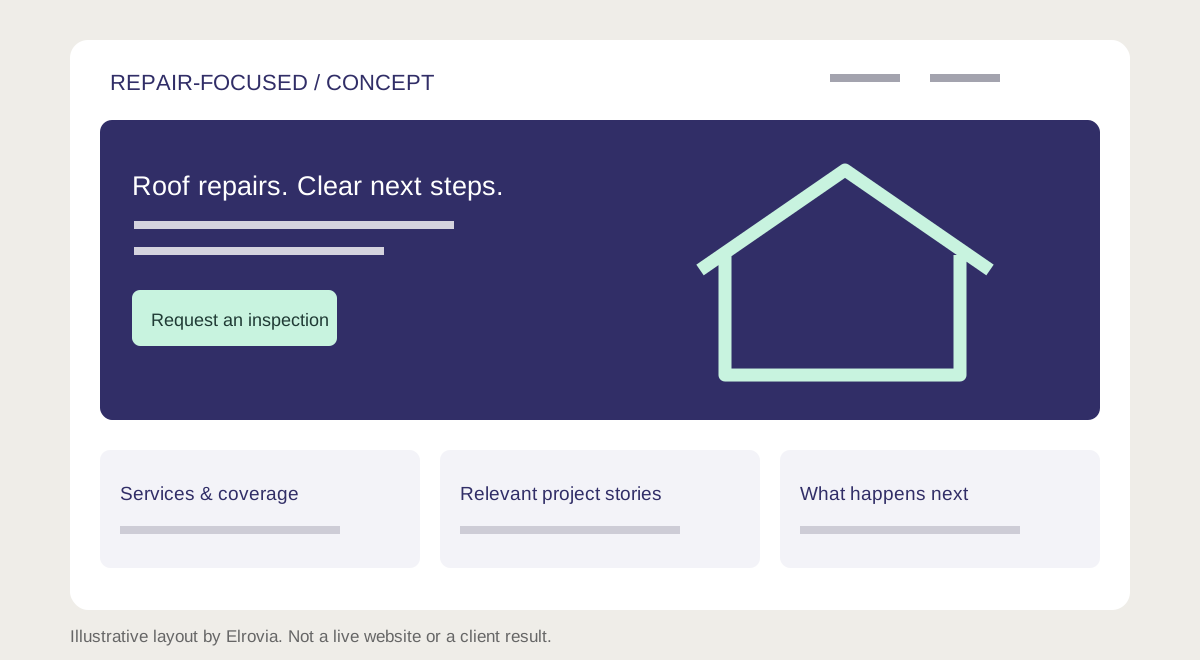
Example one: a repair-focused homepage
Lead with the repair services you provide and your genuine coverage area. Put a visible phone link beside a short inspection-request action. Follow with common issues you assess, the inspection process, relevant repair projects, and practical questions about getting an estimate.
This layout suits a business where visitors often arrive with an immediate problem. Keep the first screen readable, avoid a slideshow, and state actual response availability. A bright “Emergency service” label should only appear if your team provides that service.
The design tradeoff is space: a prominent contact area leaves less room for a long brand story. Put the company history further down and use one specific credibility statement near the action, supported by information the visitor can verify.
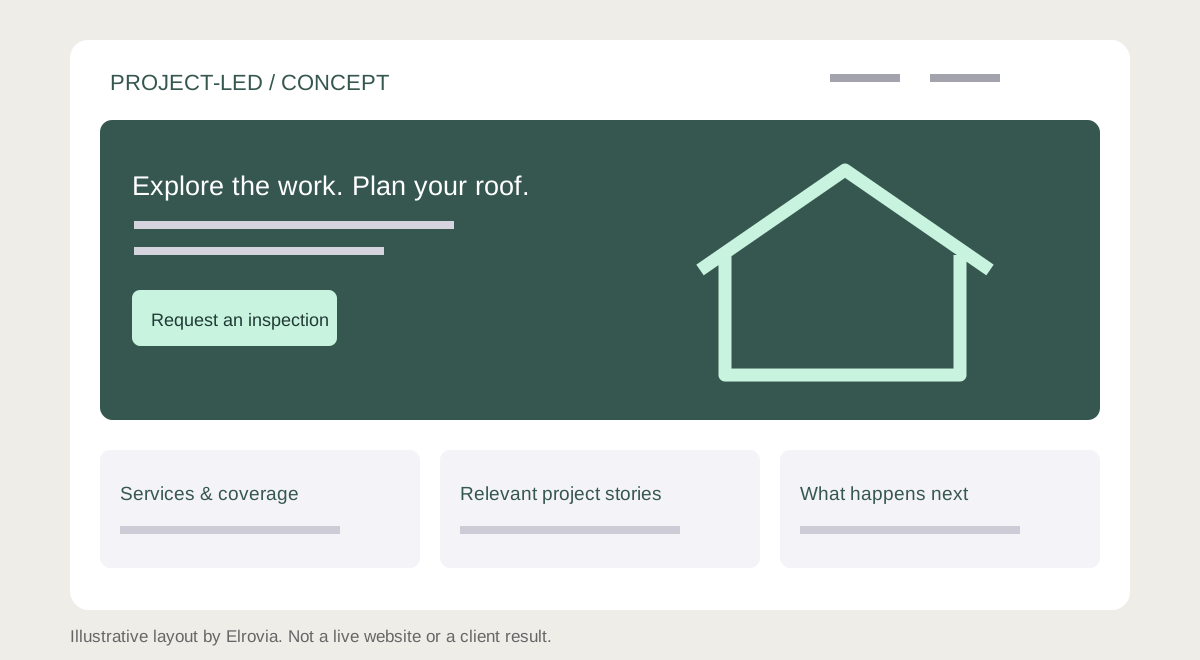
Example two: a replacement and project-led homepage
Open with a strong photograph of a real completed project, a clear description of replacement services, and an inspection-request button. Under the hero, explain the types of roof and material you work with. Link to project stories that describe the original problem, the scope, and the finished work.
This approach helps visitors evaluate fit before contacting you. A gallery needs captions and context; an unexplained collection of roofs does not tell a buyer what the team actually did. Only publish customer details with permission.
The tradeoff is image weight. Use appropriately sized photographs, reserve their display dimensions, and avoid loading every full-resolution gallery image at once. Keep contact details visible even before images finish loading.
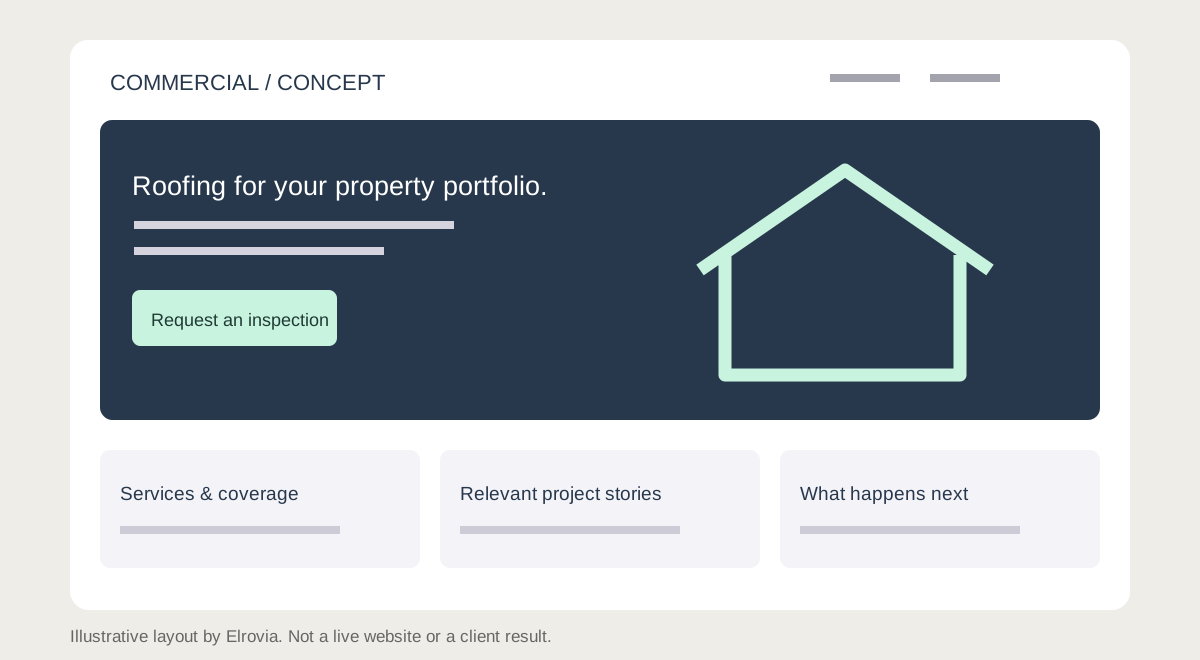
Example three: a commercial roofing homepage
Start with the property types and commercial services you support. Put capabilities, project evidence, and a project-inquiry action close together. Explain how an initial conversation works and which details help you prepare, such as building type, location, and the nature of the work.
A facilities manager may need information to share with colleagues. Clear service pages and concise project summaries help them evaluate the business. Avoid exposing private documents or presenting expired credentials as current.
The tradeoff is complexity. A commercial inquiry can need more detail than a residential call, but the initial form should still be manageable. Let the team collect specialist documents after first contact rather than requiring everything immediately.
What every example should make easy
Check the same five things on each layout: Can I identify the service? Can I check coverage? Can I see relevant evidence? Can I understand the next step? Can I contact the business on my phone? If any answer is unclear, visual polish will not solve it.
Try the layout with someone unfamiliar with the business. Ask them to find a service and request an inspection without coaching. Watch where they hesitate. That observation is more useful than asking whether they like the design.
Turn inspiration into your own brief
Collect the content you can honestly supply: service descriptions, project photos, verified credentials, and an explanation of your process. Choose the concept closest to your customers’ needs, then adapt it around those materials.
For actual examples of Elrovia’s work, visit our portfolio. Those projects demonstrate our work across other sectors; they are not presented as roofing client results. A roofing proposal can include a concept tailored to your business.
Frequently asked questions
Are these real client websites?
No. The diagrams are original educational concepts. Our actual portfolio is linked separately.
Which layout is best?
Choose based on the work you want and the information customers need before contacting you. Test the contact journey with real users.
Planning the next step? Explore our roofing website design service or view Elrovia’s portfolio.