

Decide what to fix, what to keep, and how to replace a website without losing useful pages or inquiries.
Diagnose the problem before replacing the site
An older-looking website does not automatically need a rebuild. Start with evidence: customer complaints, broken forms, hard-to-use navigation, inaccurate services, or mobile layouts that hide contact details. Identify a concrete task a visitor cannot complete.
Try a simple walkthrough. Open the site on a phone, find roof repair, check the coverage area, and submit an inquiry. Record every point of friction. If the site looks dated but those tasks work, a focused refresh may be enough.
Separate a focused fix from a full redesign
A broken form, oversized photographs, or unclear button text can often be repaired without rebuilding every page. A focused improvement is useful when the page structure and content are still sound. Define the problem and verify that the change resolves it.
A larger redesign makes more sense when the business has changed, the platform prevents important updates, or the same structural problems affect many pages. For example, services hidden inside one long page may need a clearer navigation and content architecture. Ask the agency to explain why a full rebuild is necessary.
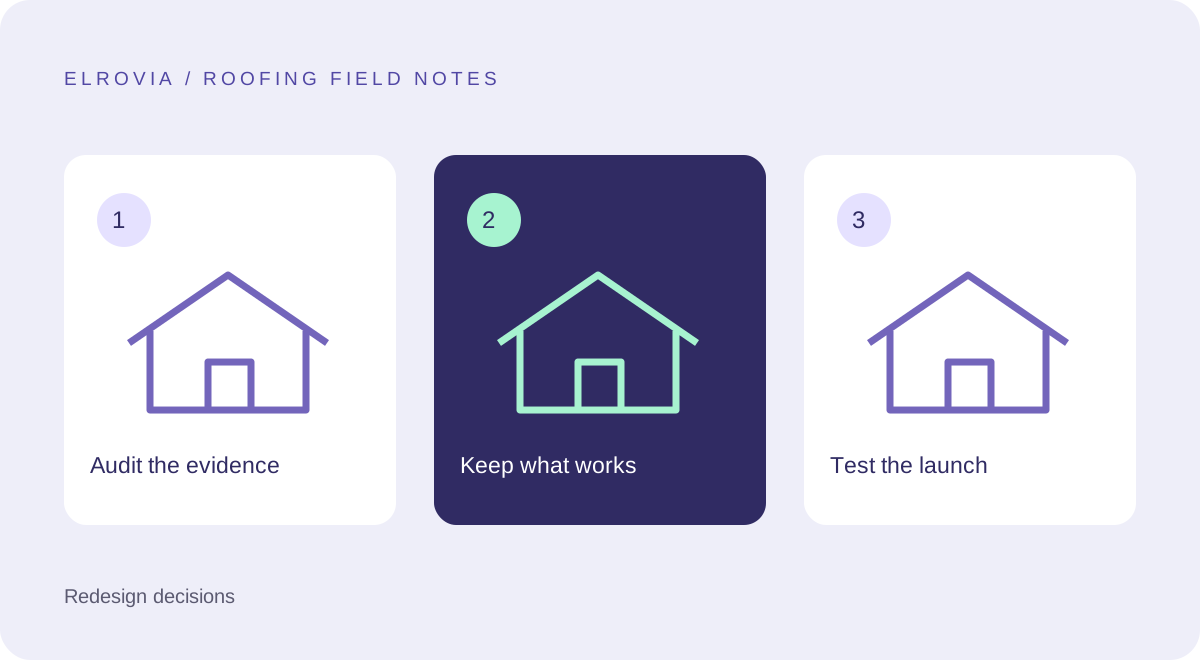
Create a keep, improve, replace inventory
List the current URLs and assign each one a decision. Keep a useful page that accurately describes a service. Improve a page with relevant traffic but thin or outdated information. Replace or consolidate pages when they genuinely overlap or no longer reflect the business.
Search Console and analytics can help identify useful pages, but inquiry records and customer feedback matter too. A low-traffic commercial service page can still support a valuable conversation. Do not discard it simply because another page gets more visits.
Protect the customer journey during migration
Map changed URLs to their closest relevant replacement. Avoid sending every old page to the homepage. Keep contact information current, review canonical URLs, and update internal links and the sitemap when the new structure goes live.
Google’s site-move guidance describes the preparation and monitoring involved in URL changes. Treat redirects as part of the project scope, not an afterthought. Keep a copy of the old content and a tested recovery approach so the team can respond if the launch has a problem.
Define launch acceptance before design approval
Write a short acceptance list: main services are easy to find, forms deliver inquiries, mobile buttons are usable, keyboard navigation works, and the new URLs behave as intended. Include error states as well as successful form submissions.
Decide who checks email delivery and who owns post-launch issues. A form success message is not proof that the sales team received the inquiry. Test the full path with an approved test message before launch, then remove any test data from normal reporting.
Measure the change against its purpose
Record a baseline before launch: relevant landing-page visits, completed inquiries, and the proportion of inquiries that match your services and coverage. After launch, review the same measures over comparable periods. Seasonality and changes in advertising can affect the comparison.
If inquiries drop, check delivery and tracking before concluding the design failed. If traffic falls, inspect indexing and redirects. A redesign is easier to evaluate when the original problem, expected behavior, and acceptance checks are written down.
Frequently asked questions
Will redesigning automatically improve rankings?
No. A redesign can improve usability and content, but it can also introduce problems if URLs or important information are removed carelessly.
Should every URL change?
No. Preserve useful URLs where possible. Create a redirect plan for the ones that need to change.
Further reading: Google: moving a site with URL changes.
Planning the next step? Explore our roofing website design service or view Elrovia’s portfolio.