

Trace the path from search visit to delivered inquiry, and fix the point where potential customers get stuck.
First, verify that inquiries are being received
Before changing headlines or colors, check the form. Does a valid submission produce a clear confirmation? Does the message arrive in the right inbox or CRM? Are notifications being filtered? A working-looking form can still fail after the visitor clicks submit.
Check mobile phone links and appointment links too. Distinguish a click from a completed inquiry in reporting. The business outcome is a real opportunity that your team can follow up, not simply an interaction with a button.
Check whether the visitors are potential customers
Traffic is not automatically demand for your service. A page about a do-it-yourself roof repair may attract people who want instructions rather than a contractor. Visits from outside your service area can also inflate the total without producing suitable work.
Review landing pages, search queries where available, traffic sources, and inquiry locations. Look for a mismatch between what the page promises and what your business provides. If you serve residential customers, a page attracting commercial procurement questions may need clearer targeting.
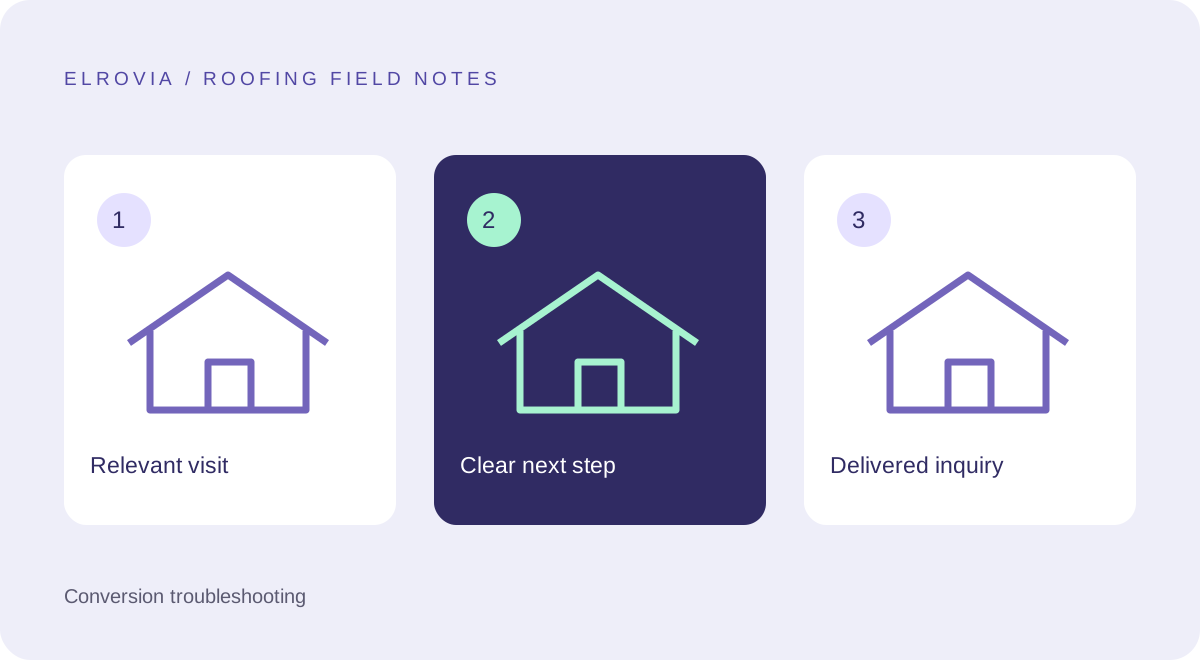
Make the service and coverage obvious
A visitor should not need to open several pages to discover whether you replace roofs or which area you cover. Put that information near the opening message, then link to detailed services and genuine project examples.
Avoid broad phrases that could describe any contractor. A useful message identifies the work and the next step. State only availability and response expectations that your team can meet. Clear limitations help unsuitable visitors rule themselves out and suitable visitors contact you with confidence.
Reduce uncertainty at the point of contact
An estimate request feels easier when the visitor knows what will happen afterward. Explain whether the team calls to discuss the problem, schedules an inspection, or asks for more details. If an inspection has a fee, communicate the terms accurately instead of implying it is free.
Keep the first form short. Collect enough to route the inquiry, such as a name, preferred contact method, area, and description. Ask for detailed measurements or documents later unless they are essential to the first step. Use visible labels and explain errors beside the relevant field.
Use proof that answers the visitor’s concern
Generic praise is less useful than a real project with context. Show the original issue, work completed, and material used. Include genuine customer feedback where you have permission and describe applicable credentials accurately.
Do not bury all evidence on a separate page. Place a relevant project link beside the service explanation so a visitor can investigate before contacting you. Avoid fabricated reviews or guarantees that the business cannot substantiate.
Choose one improvement and measure it
Use a small hypothesis: “Visitors cannot find our coverage area, so we will place it beside the inspection button.” Note the date of the change and review the quality of incoming inquiries. With low traffic, treat short-term percentage swings cautiously.
An illustrative funnel with 200 relevant visits and four delivered inquiries has a 2% inquiry rate. That arithmetic is not a target or an industry benchmark. If two of those inquiries are outside your coverage, qualified inquiry count is two. Track the outcome that matters to your business, then decide what to test next.
Frequently asked questions
Should I add more traffic first?
Check inquiry delivery and the relevance of current visitors first. Sending more people through a broken contact journey will not repair it.
What is a good conversion rate?
There is no universal target for every roofing site. Compare consistent definitions over time and include inquiry quality, traffic source, and the type of work requested.
Planning the next step? Explore our roofing website design service or view Elrovia’s portfolio.